Business
AI Tools for Working with Documents: Drafting, Review & Analysis
Top AI document tools: summarize, edit, compare, transcribe, and collaborate with AI Lawyer, Jasper, Grammarly, ClickUp, Notta & more — compare pros, cons, and pricing.
AI tools for documents are no longer just grammar checkers or simple writing assistants. The strongest platforms now help with the full workflow: summarizing PDFs, reviewing contracts, comparing file versions, transcribing meetings, editing reports, analyzing research papers, and turning rough information into usable files.
This updated list focuses on tools that match the title: platforms built for real document work. That means contracts, reports, spreadsheets, legal letters, meeting notes, research files, classroom worksheets, internal docs, and reviewed drafts. Tools that mainly create social posts or generic marketing copy are not the focus here.
A document tool should help you move from raw information to something useful: a clearer contract, a cleaner report, a searchable transcript, a reviewed draft, or a comparison you can trust.
You Might Also Like:
Quick Comparison: Best AI Document Tools
Tool | Best for | Main use case |
|---|---|---|
Legal documents | Contract review, legal drafting, summaries, clause generation | |
Team documents | Project docs, task summaries, internal updates | |
Meeting documents | Transcripts, call summaries, action items | |
Document editing | Grammar, tone, clarity, plagiarism checks | |
Legal comparison | Contract redlining, templates, clause review | |
Legal analysis | Contract analysis, legal questions, document review | |
File comparison | PDF, Word, Excel, and redline comparison | |
Legal drafting | Agreements, memos, contracts, legal document automation | |
File analysis | PDFs, DOCs, CSVs, images, and chatbot-style review | |
General document help | PDF summaries, rewrites, outlines, file questions | |
Classroom documents | Worksheets, assignments, auto-graded assessments |
Why AI Document Tools Matter in 2026
Most users do not only need text. They need a file they can understand, check, send, edit, compare, or publish.
A contract needs parties, obligations, payment terms, deadlines, liability language, and review. A report needs findings, summaries, charts, and recommendations. A meeting transcript needs decisions, owners, and action items. A revised agreement needs clear redlines, not just a general summary.
For example, a small business owner may receive a 20-page vendor agreement before a deadline. A basic writing app can rewrite a clause, but a legal document assistant can summarize key terms, identify unclear language, and prepare questions for review.
The main value is not just faster writing. It is less manual cleanup, fewer missed details, and a clearer path from file to final document.
How to Choose the Right AI Document Tool
The right tool depends on the document type and the risk behind it.
For contracts, policies, legal letters, or agreements, use tools built for drafting, review, clause analysis, or redlining. Legal wording can affect payments, ownership, confidentiality, deadlines, liability, and termination rights.
For summaries, check file support first. A student may need a PDF summarizer for a research paper. A manager may need a DOC file shortened into action points. A finance team may need to understand a long report. In those cases, look for tools that can handle uploads, long files, and follow-up questions.
For comparison, use a tool that shows changes clearly. A summary tells you what a file says. A redline shows you what changed. For contracts, policies, pricing sheets, and compliance files, that difference matters.
For team workflows, look for collaboration, permissions, version history, shared workspaces, and privacy controls. For classroom materials, choose a platform that supports assignments, student activity, and assessment formats.
Top AI Tools for Documents
AI Lawyer
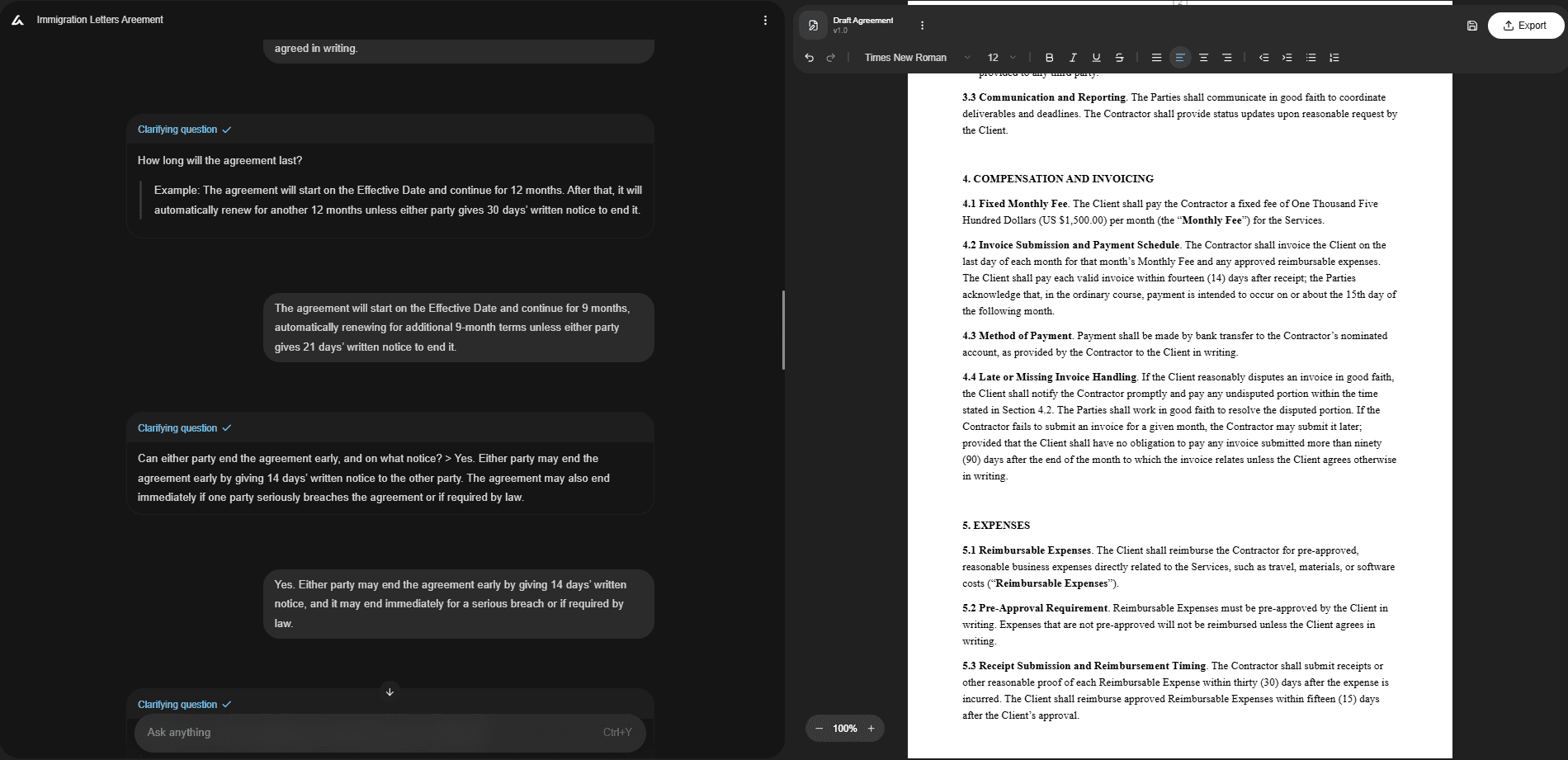
Best for: legal document review, contract drafting, clause generation, document summarization, and legal document translation.
AI Lawyer is a strong fit for users who need legal help with files rather than general writing support. It can draft, review, summarize, compare, and translate legal texts, which makes it useful for contracts, agreements, demand letters, legal explanations, and document review.
This is different from using a broad AI writer. Legal materials often need clause logic, defined terms, clear obligations, and careful wording. For example, a small business owner can use AI Lawyer to summarize a vendor agreement, identify confusing terms, and prepare a clearer version for review.
AI Lawyer works best when wording can affect rights, duties, payments, deadlines, or responsibilities.
ClickUp AI
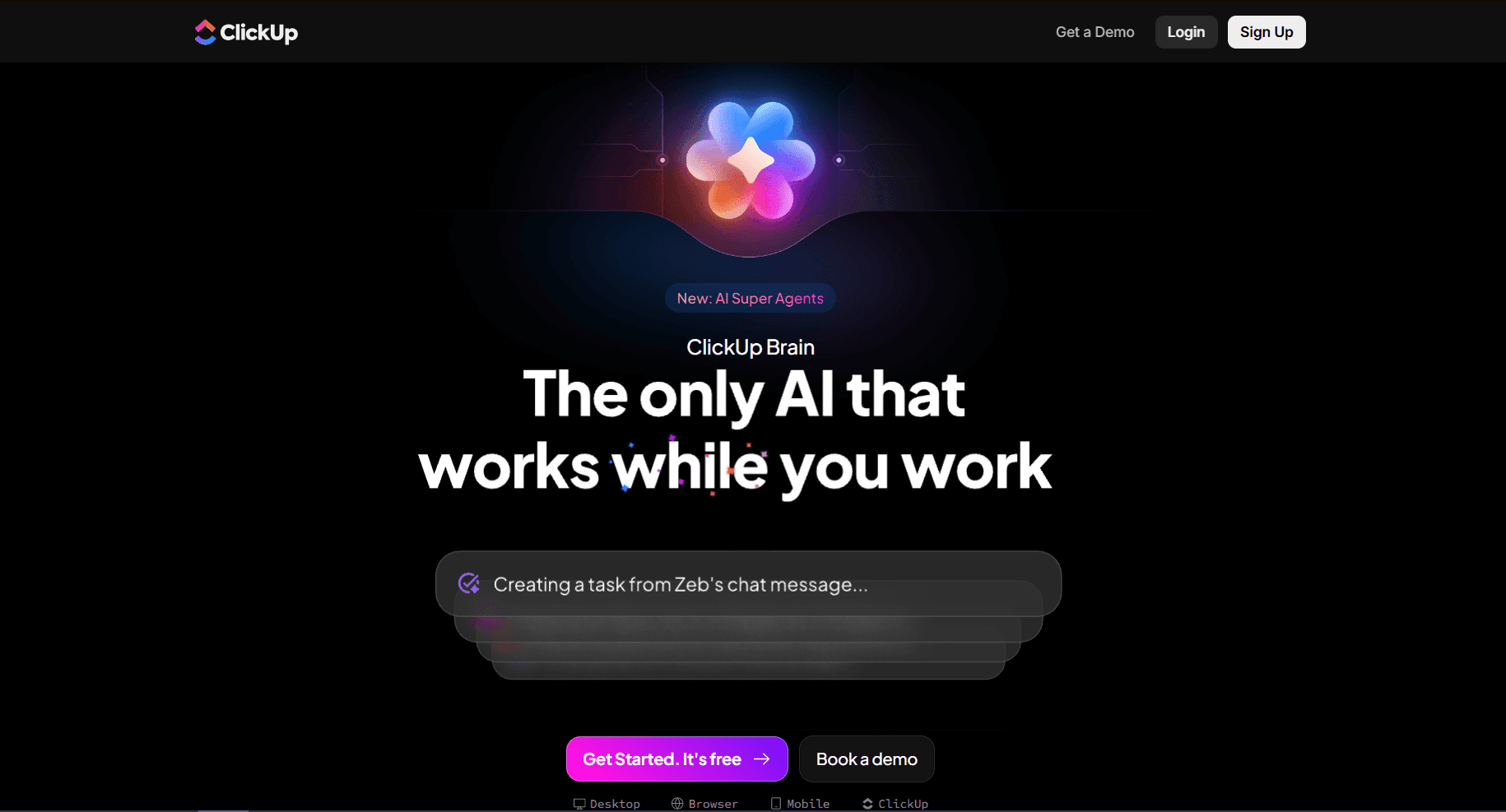
Best for: team documents, project notes, internal docs, summaries, and workflow-based writing.
ClickUp AI helps teams turn scattered project information into cleaner internal materials. It works inside a broader project management environment, so it is especially practical when notes, tasks, comments, and updates already live in ClickUp.
It can summarize task discussions, create internal documentation, draft FAQs, and organize team knowledge. For example, a project manager can turn scattered task updates into a client-ready status note before a weekly call.
ClickUp AI fits documents connected to tasks, projects, and team execution.
Notta AI
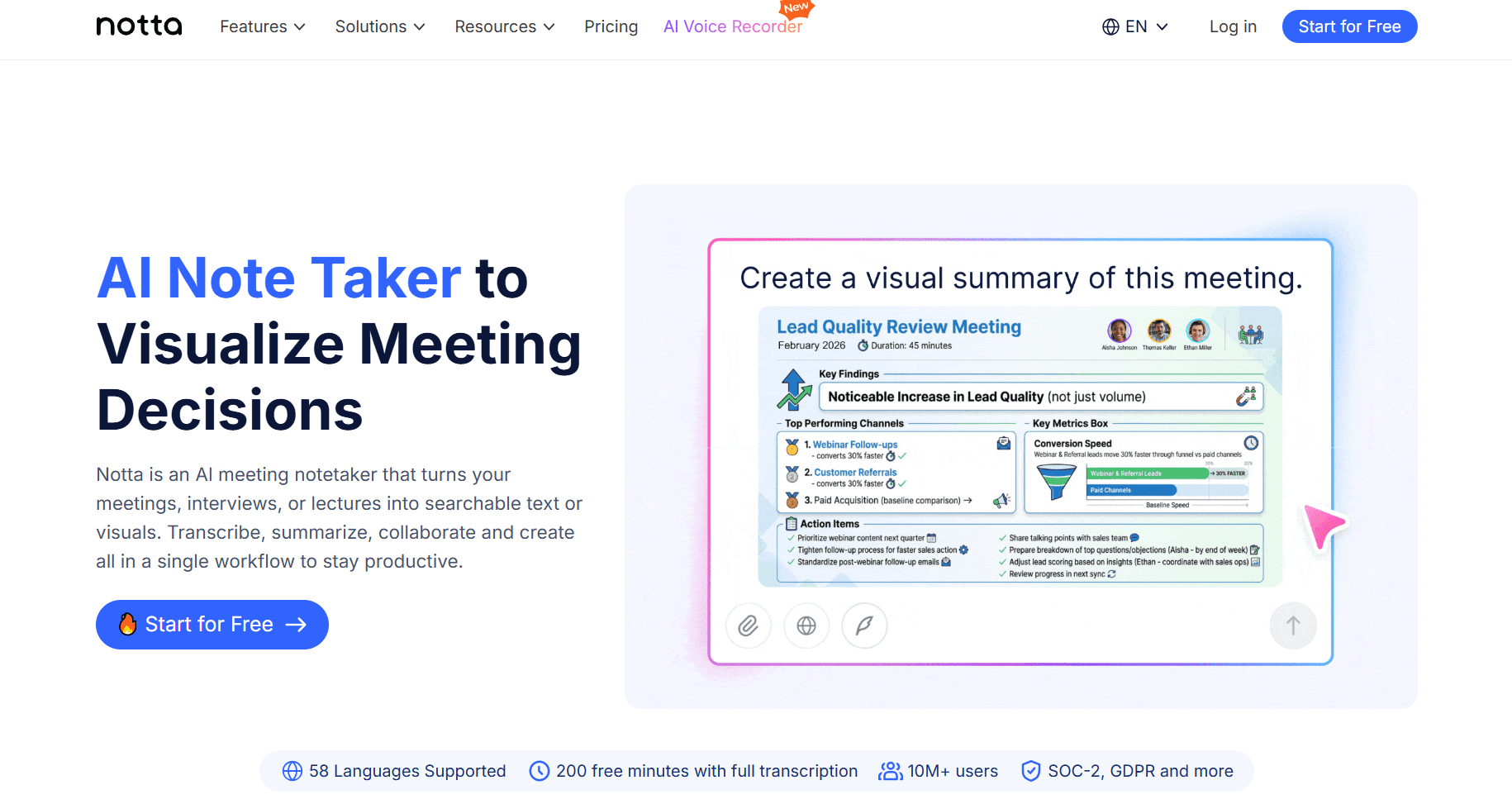
Best for: meeting transcription, audio summaries, video summaries, interviews, and lecture notes.
Notta AI is helpful when the source material starts as a conversation. It can transcribe meetings, interviews, lectures, podcasts, and video calls, then turn them into written notes and summaries.
For example, a sales team can record a discovery call, use Notta to capture the customer’s pain points, and prepare a follow-up file with next steps. That is faster than asking someone to manually replay a long recording.
Notta AI is strongest when spoken content needs to become searchable, shareable, and actionable.
Grammarly
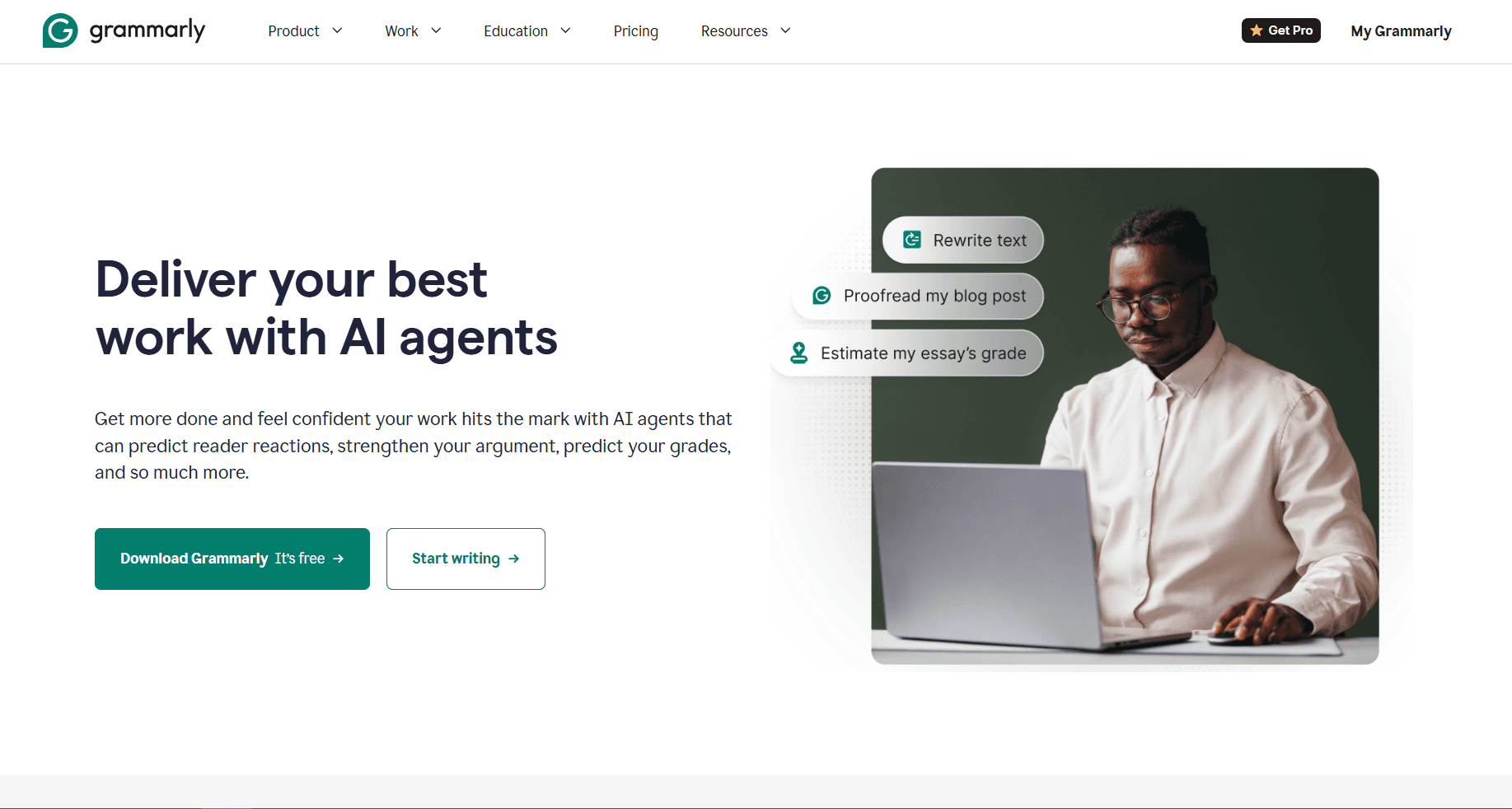
Best for: document editing, grammar correction, tone adjustment, clarity, and plagiarism checks.
Grammarly is strongest when a draft already exists but needs to sound cleaner. It can polish emails, reports, essays, proposals, and internal materials across different writing environments.
For example, a manager may draft a performance review and use Grammarly to make the tone more balanced before sharing it. It improves wording, but it does not replace legal, financial, or technical judgment.
Grammarly is a good editing layer, not a file comparison or risk review platform.
Genie AI
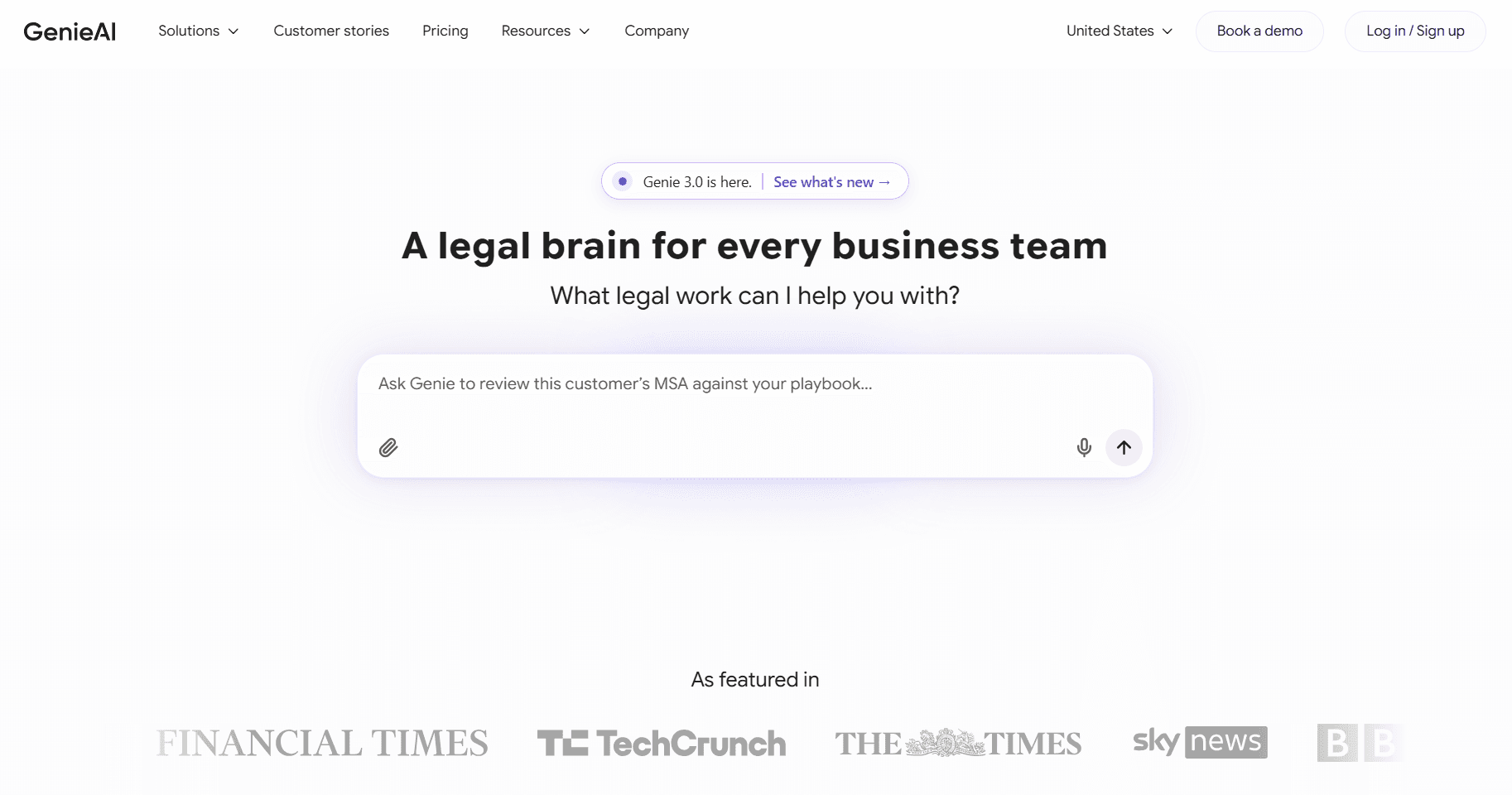
Best for: legal templates, clause review, contract redlining, and version tracking.
Genie AI is designed for legal and business teams that handle repeated contracts, agreements, and policies. Its value is in helping users review clauses, work with templates, and compare versions.
For example, a company can receive a revised service agreement from a vendor and use Genie AI to inspect changed clauses before sending the file for legal approval.
Genie AI is a strong option when contracts need structure, templates, and version control.
Paxton AI
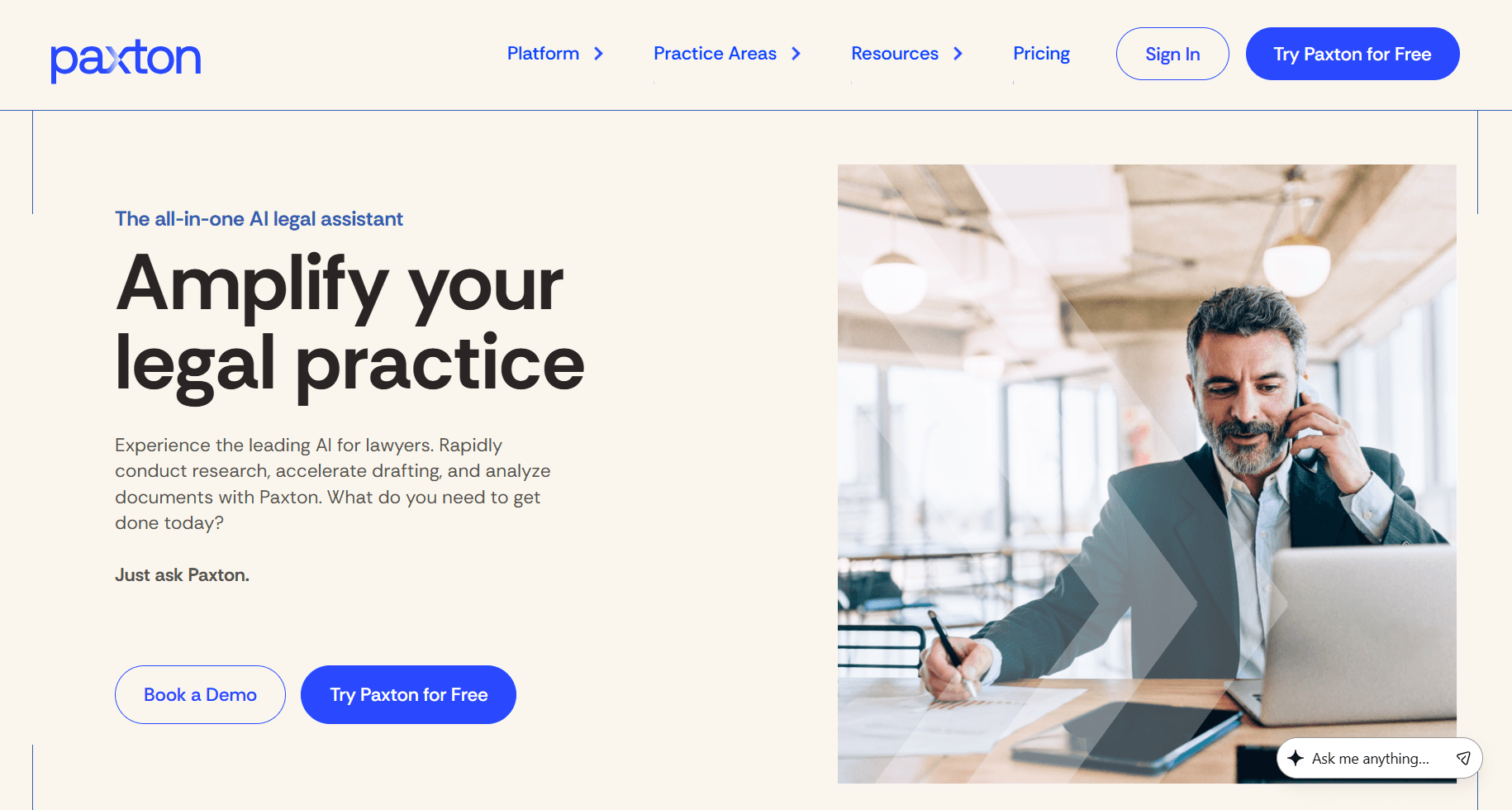
Best for: contract analysis, legal document review, regulatory questions, and custom document queries.
Paxton AI is built for targeted legal analysis. Instead of only asking for a broad summary, users can ask specific questions about indemnity, governing law, renewal terms, termination rights, or unusual obligations.
For example, a corporate legal team can upload a supplier agreement and ask Paxton AI to identify risky clauses before final review.
Paxton AI is useful when legal users need focused answers from dense documents.
Draftable
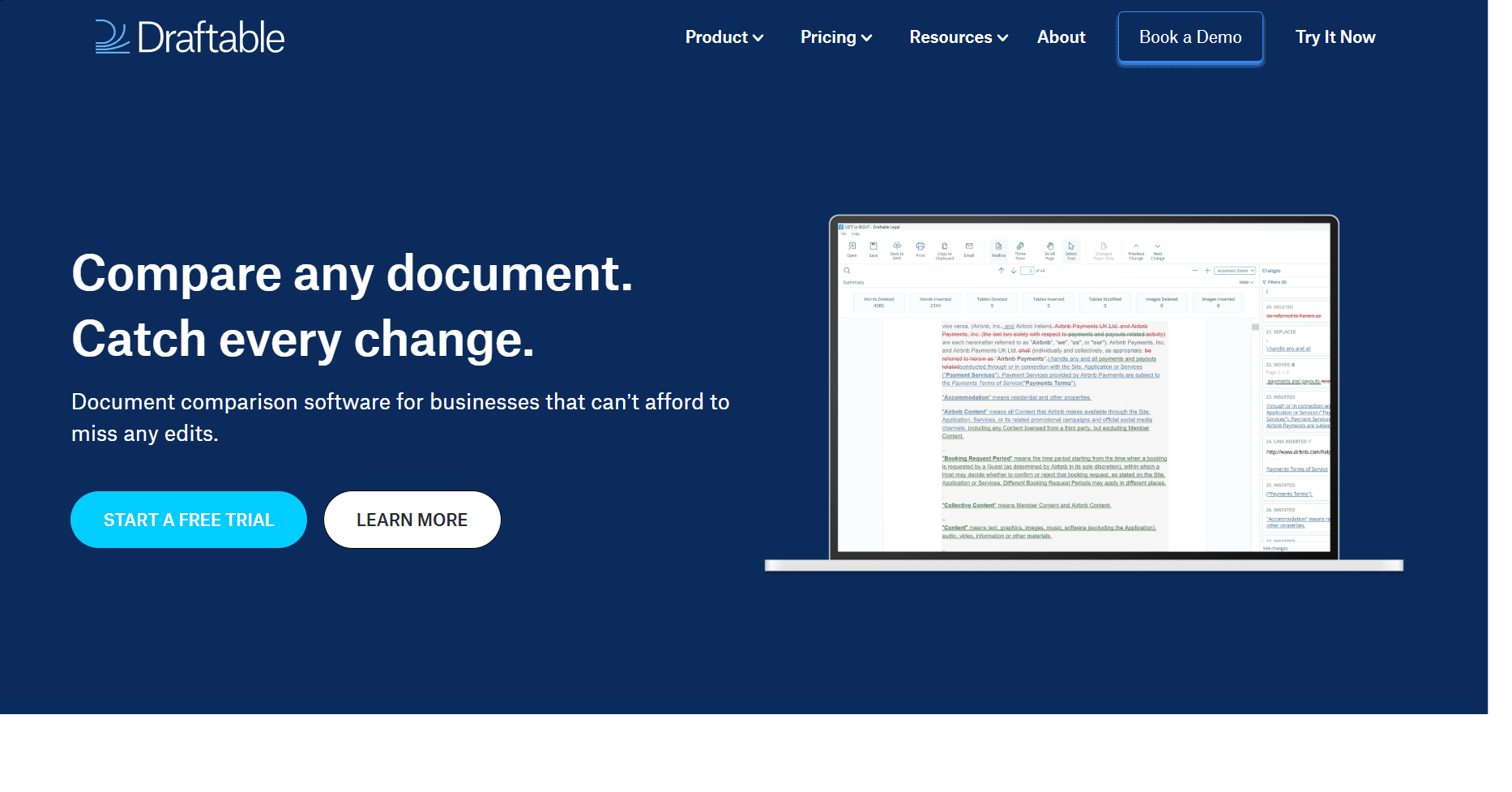
Best for: document comparison, PDF comparison, Word comparison, Excel comparison, and redline reports.
Draftable is a focused file comparison tool. It helps users compare versions side by side and see what changed across Word documents, PDFs, spreadsheets, and other formats.
For example, a finance team can compare an updated pricing spreadsheet with an older version and quickly spot changed rows, removed terms, or new numbers.
Draftable is the right choice when accuracy depends on seeing changes clearly.
DocDraft
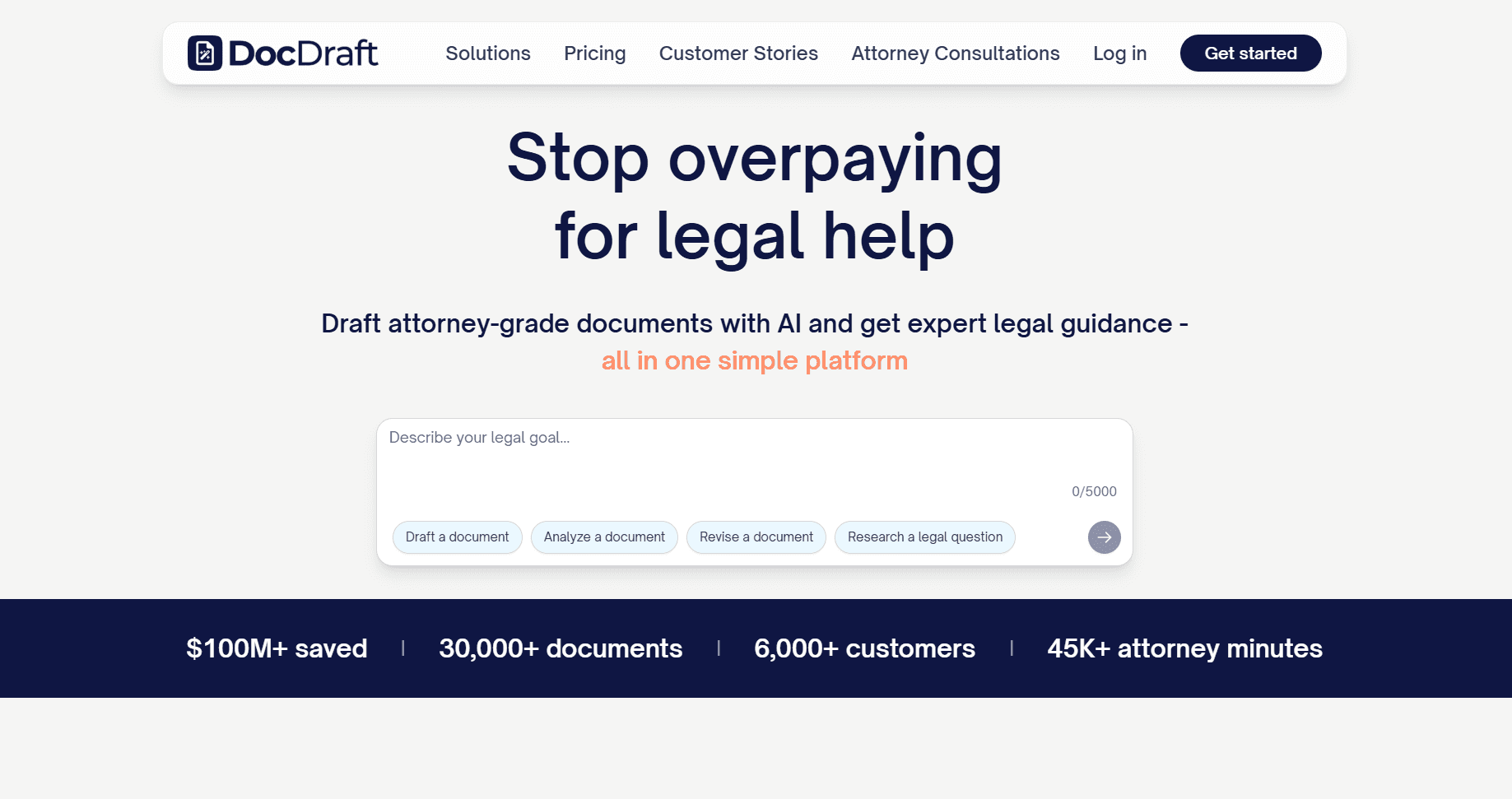
Best for: legal document drafting, contracts, legal memos, agreements, and assisted review.
DocDraft helps users create legal materials with AI support. It is more relevant for small businesses, individuals, and legal users than a general writing assistant because the output follows a legal-document-focused structure.
For example, a freelancer can use DocDraft to prepare a first draft of a service agreement with scope, payment, deadlines, confidentiality, termination, and signature sections.
DocDraft helps users move from “I need a legal document” to a structured first draft.
ChatLabs
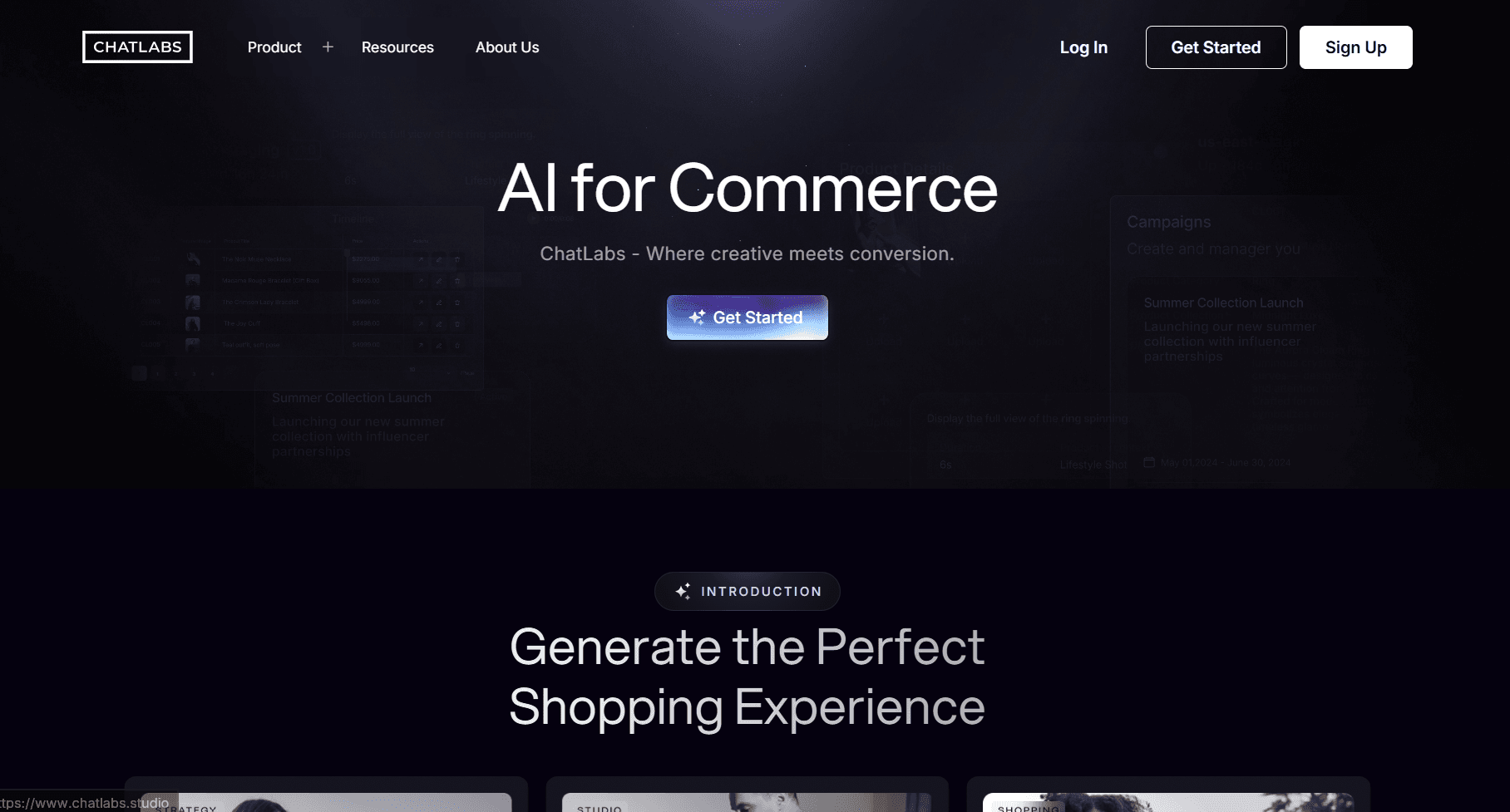
Best for: chatbot-based document review, multi-format file analysis, PDF summaries, DOC analysis, CSVs, and images.
ChatLabs is useful for people who work with several file types and want to analyze them through one AI interface. It can summarize materials, compare model outputs, and extract insights from mixed sources.
For example, a researcher can upload a PDF report, a CSV file, and screenshots from a study, then use ChatLabs to organize the findings into notes.
ChatLabs suits flexible file analysis across formats.
ChatGPT
Best for: general document analysis, PDF summaries, DOC summaries, outlines, rewrites, and flexible file questions.
ChatGPT is one of the most flexible AI tools for working with documents. Users can upload or paste content, ask questions, summarize sections, rewrite text, create outlines, and turn long files into clearer notes.
For example, a founder can upload a financial report before a board meeting and ask ChatGPT to summarize key numbers, explain confusing sections, and draft a short update.
ChatGPT is practical when users need a flexible assistant with follow-up questions.
Kami AI
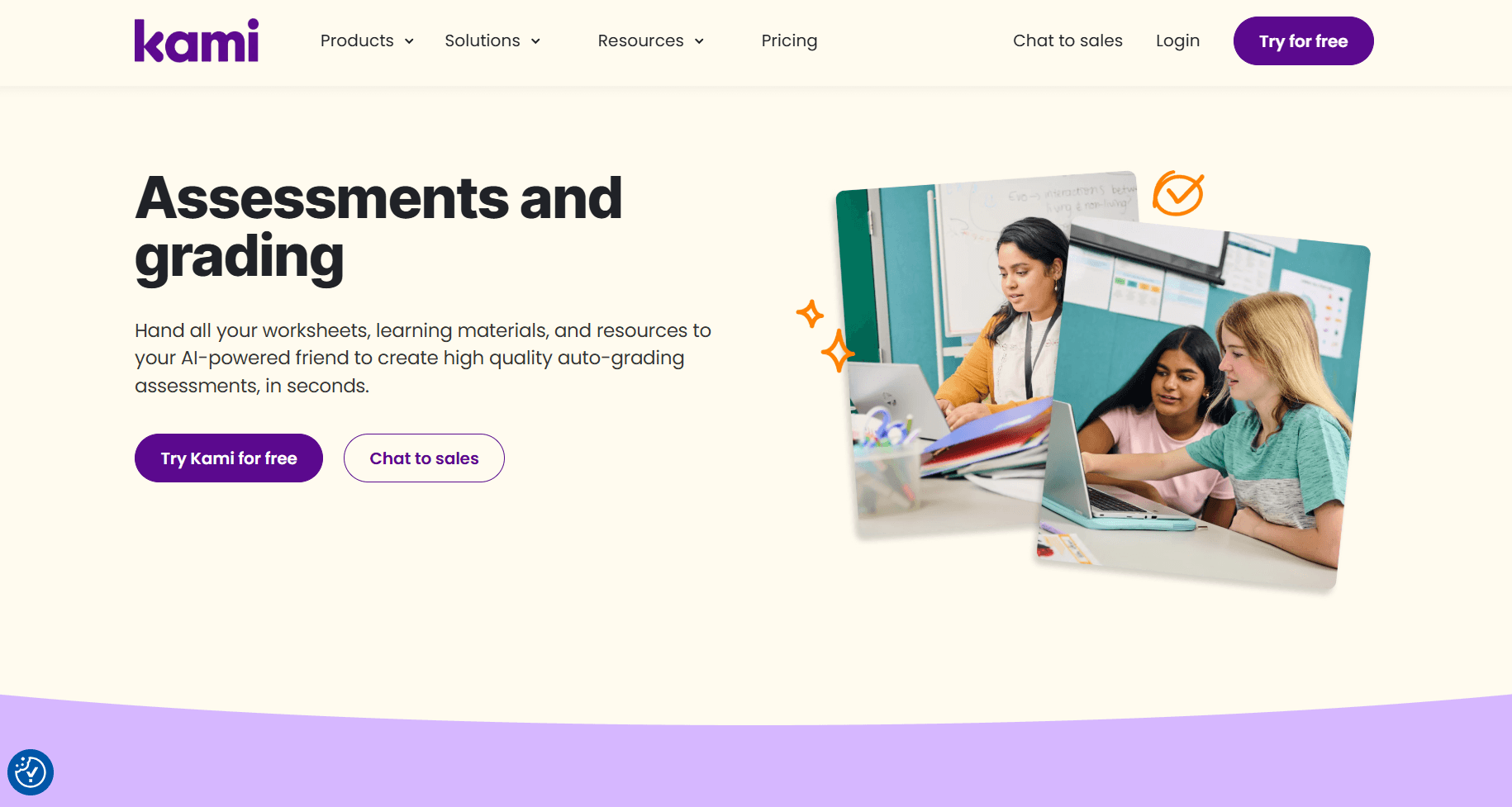
Best for: classroom documents, worksheets, interactive assignments, and auto-graded assessments.
Kami AI is built for educators. It helps teachers turn worksheets or existing files into interactive learning materials, questions, and auto-graded assessments.
For example, a teacher can upload a worksheet and adapt it into an assignment with questions and grading support.
Kami AI fits classroom workflows better than general-purpose writing tools.
AI Writing Tool vs AI Document Processing Tool
An AI writing tool mainly improves words. It can fix grammar, rewrite sentences, adjust tone, or make a draft clearer.
An AI document processing tool goes further. It helps with files, summaries, redlines, clauses, transcription, review workflows, and document-specific tasks.
Grammarly is useful when the main issue is wording. Draftable is better when the question is “what changed?” AI Lawyer, Paxton AI, and Genie AI are better when wording has legal meaning. Notta AI is better when the source is audio or video.
AI writing tools improve text. AI document processing tools help users understand, compare, manage, or use the file.
Which AI Document Tool Should You Choose?
If you need... | Start with... | Why |
|---|---|---|
Legal documents or contracts | These tools are built for drafting, review, clause analysis, and contract workflows. | |
Document summaries | They help summarize PDFs, reports, research papers, transcripts, and other long files. | |
File comparison or redlines | These tools show what changed across contracts, PDFs, Word files, or legal materials. | |
Editing and cleaner writing | These tools improve grammar, clarity, tone, structure, and readability. | |
Meeting notes and transcripts | They turn calls, meetings, and task updates into summaries, notes, and action items. | |
Classroom documents | It helps teachers create worksheets, assignments, questions, and auto-graded assessments. | |
Team document workflows | ClickUp AI, ChatLabs, Grammarly Business, Genie AI, Draftable | These tools are better for collaboration, shared files, review workflows, and version control. |
Solo users usually need speed and simplicity. ChatGPT, Grammarly, AI Lawyer, or Notta AI may be enough depending on the file type.
Small businesses often need practical workflows. AI Lawyer, Draftable, ClickUp AI, Notta AI, and DocDraft are stronger when files affect clients, contracts, operations, or follow-ups.
Larger teams usually need privacy, collaboration, version control, and review workflows. ClickUp AI, Genie AI, Draftable, ChatLabs, Grammarly Business, and Paxton AI are stronger options at that stage.
Common Mistakes When Using AI Document Tools
The biggest mistake is treating AI output as a final document. AI can sound polished even when it misses details, invents facts, or ignores the format you need.
Do not use a grammar tool for legal review. A contract is not just text. It can affect payment, ownership, deadlines, liability, confidentiality, termination, and dispute resolution.
Do not use a summarizer when you need redlines. A summary may explain what a file says, but it may not show that a termination notice changed from 30 days to 90 days.
Do not upload confidential materials without checking privacy and security terms. This matters for client files, contracts, employee records, financial information, legal materials, and internal strategy.
Do not let AI invent missing details. If you do not provide names, dates, scope, prices, responsibilities, or deadlines, some tools may fill gaps with assumptions.
Do not ignore formatting until the end. A report may need charts. A contract may need numbered clauses and signature blocks. A classroom worksheet may need answer fields.
Conclusion
AI document tools can save time, but only when they match the real document problem. A flexible assistant can summarize or rewrite text, but more specific tasks may need a legal review tool, a redline comparison platform, a meeting transcription app, or a classroom workflow assistant.
For legal documents, AI Lawyer, Paxton AI, Genie AI, DocDraft, and Draftable are stronger options. For summaries and file analysis, ChatGPT, ChatLabs, and Notta AI are useful. For team documents, ClickUp AI works well. For editing, Grammarly remains a strong choice. For education workflows, Kami AI is more practical than a general writing assistant.
The best AI document tool is the one that helps you finish the file with less confusion, fewer missed details, and less manual cleanup.
FAQ
Q: What are the best AI tools for documents?
A: The best tools depend on the document type. AI Lawyer is strong for legal documents, Draftable for comparison, Grammarly for editing, Notta AI for meeting notes, and ChatGPT for flexible summaries.
Q: Can AI review legal documents?
A: Yes, but legal documents should still be checked before use. Use tools focused on legal drafting, review, clause analysis, or contract workflows, such as AI Lawyer, Paxton AI, Genie AI, or DocDraft.
Q: Can AI tools compare PDFs, Word documents, and Excel files?
A: Some can. Draftable is the most direct option for file comparison. Genie AI, Paxton AI, and AI Lawyer are more useful when the comparison has legal meaning.
Q: Which AI tool is best for summaries?
A: ChatGPT and ChatLabs are good for general summaries. Notta AI is better when the source is audio or video.
Q: Can AI replace manual document review?
A: No. AI can speed up reading, editing, summarizing, and comparison, but important legal, financial, HR, academic, and compliance documents still need human review.
Sources and References
AI Lawyer
AI Lawyer Quick Start Guide
ClickUp AI
ClickUp Brain AI Docs Guide
Notta AI
Notta AI Notes
Grammarly
Grammarly AI Writing Assistant
Genie AI
Genie AI Legal Templates
Paxton AI
Paxton AI Contract Analysis
Draftable
Draftable Document Comparison
DocDraft
DocDraft Legal Document Generator
ChatLabs
ChatLabs Document AI
ChatGPT
ChatGPT PDF Tools
Kami AI
Kami Questions AI